
After a congress, your phone holds hundreds of slide photos mixed with holiday pictures and screenshots. A week later, finding one slide means scrolling through everything.
Why a normal gallery fails
Galleries sort by date, not by meaning. A slide from Day 2, Session 3 looks like any other photo, and a file name like IMG_4821 says nothing.
“Galleries sort by date, not by meaning. A slide from Day 2, Session 3 looks like any other photo, and a file name like IMG_4821 says nothing.”
What a good conference photos organiser does
When you are capturing science under pressure, you need a system designed specifically for medical knowledge:
- Keeps conference captures apart from personal photos
- Files slides, posters, badges, audio and video by congress, day and session
- Removes duplicates automatically so you only keep the clearest capture
- Lets you search the words inside slides, posters, recordings and videos
- Links each audio or video recording to the slides it belongs to, where the session permits recording
- Turns business cards and badges into saved contacts
- Saves the deck or brochure behind any QR code you scan
- Works offline at the venue and syncs seamlessly when you reconnect
The manual method, and why people give up
Folders named ASCO_Day1_Session2, nightly renaming and retyping cards work for two days. Busy conferences make it hard to keep up.
“Folders named ASCO_Day1_Session2, nightly renaming and retyping cards work for two days. Busy conferences make it hard to keep up.”
A slide organiser built for medical congresses
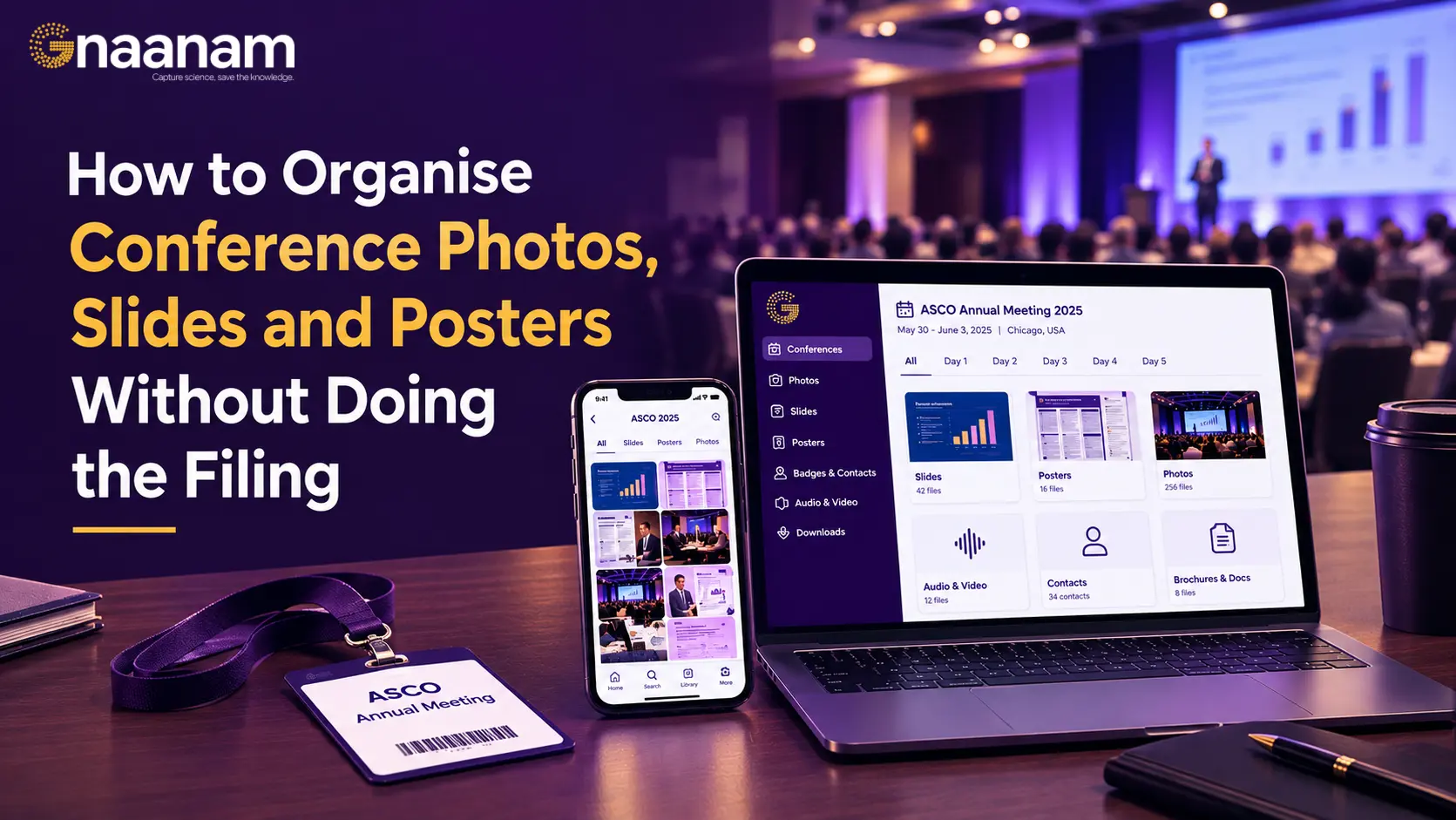
Gnaanam is a conference productivity tool that files everything for you. Pick your conference, press capture, and each slide, poster and card is filed automatically.
You can also import old conference photos and share a talk, folder or whole library by link or ZIP. Read why we are building Gnaanam.
“Pick your conference, press capture, and each slide, poster and card is filed automatically.”
Tips for better captures
To get the most out of every medical congress session:
- Frame the whole slide cleanly in your viewfinder
- Avoid glare by adjusting your viewing angle from the aisle or screen reflections
- Capture the title slide first to establish clear context for the entire talk
- Always check the congress's photo and recording policy before capturing